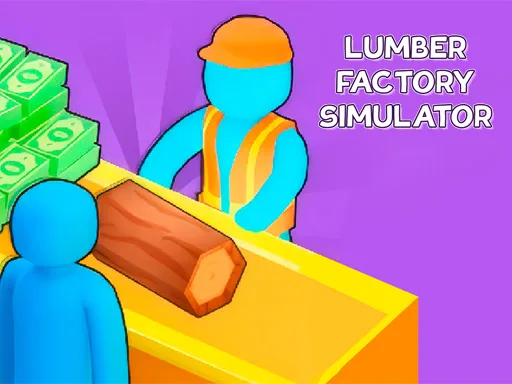
Lumber Factory Simulator is a sawmill management game about turning raw trees into useful products. The GD instructions describe processing trees into wood and furniture, selling products, expanding factory equipment, improving production processes, and developing character skills. That gives the page a real resource-chain shape. You are not only collecting cash; you are managing the path from raw material to sale. Players who like factory games enjoy this because the business has a physical logic. Trees become products, products become money, and money buys better equipment. The strategy is to keep each step strong enough that the sawmill does not stall.
Lumber Factory Simulator gives the factory category a resource-chain identity, from trees to finished products. Watch how the first cycle works, notice where progress slows, and spend with a clear purpose.
How to play
How to play Lumber Factory Simulator
The opening minutes of Lumber Factory Simulator are about reading the business before rushing into expansion. Follow the first few earning cycles and keep your attention on the slowest part of the operation.
Process trees into wood or other lumber products.
Sell products and collect money from the market.
Upgrade equipment, expand production, and improve your character.
Key features
What makes Lumber Factory Simulator work
Tree processing makes the production chain more concrete than an abstract idle counter.
Selling wood and furniture connects factory output with business income.
Equipment and character upgrades create both industrial and personal progression.
Strategy tips
Upgrade logic and smart growth
First minute tip: Focus on the first tree-processing loop before buying extra equipment; wood output is the base of the whole sawmill.
Keep tree processing active before expanding the factory floor.
Upgrade equipment that improves the product you sell most often.
Use character skill upgrades when movement or task handling slows the sawmill routine.
Raw material flow is the sawmill's foundation.
Furniture-style products can be valuable after production improves.
Do not let equipment expansion outrun resource supply.
Controls
Controls and device notes
Use mouse or touch controls to process trees, sell products, upgrade equipment, and improve the character's business skills.
Use fullscreen for longer sessions. If the embedded game does not respond on mobile, try desktop mode or another game from the same category.
Why play here
Why play Lumber Factory Simulator on TycoonsGame?
Lumber Factory Simulator adds a forestry production page to TycoonsGame, useful for players who want a clearer material chain than money or energy factories.
FAQ
Lumber Factory Simulator questions
What do you make in Lumber Factory Simulator?
You process trees into products such as wood and furniture, then sell them to grow the sawmill business.
Is this a factory or resource game?
It is both. The game starts from raw trees and turns them into factory products and income.
Which sawmill upgrade should come first?
Upgrade the part of tree processing or equipment that increases your most frequent product output.
Why do character skills matter?
Character improvements help you handle sawmill tasks more efficiently as production expands.
Who will enjoy Lumber Factory Simulator?
Players who like resource chains, sawmill themes, and practical factory growth should try it.