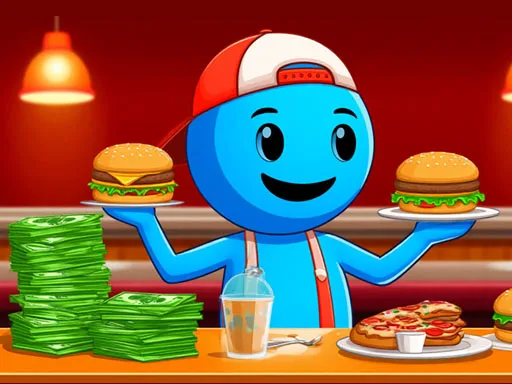
Restaurant Simulator: Burgers & Pizza is a fast food management game with a wider menu than a simple burger stand. The GD page describes real-time cooking, burgers, pizza, fries, drinks, desserts, staff roles, restaurant improvements, and new branches. That means the player is not only serving one product; they are building a small food operation that can become a chain. The fun comes from keeping the kitchen organized while the business grows. Customers bring orders, the menu creates variety, equipment improves the pace, and staff help the restaurant become less dependent on one worker. Players who enjoy restaurant games will like the mix of food prep and business expansion.
Restaurant Simulator: Burgers & Pizza has a broader kitchen than most single-food games, so its page can speak to cooking, hiring, and chain expansion. Watch how the first cycle works, notice where progress slows, and spend with a clear purpose.
How to play
How to play Restaurant Simulator: Burgers & Pizza
The opening minutes of Restaurant Simulator: Burgers & Pizza are about reading the business before rushing into expansion. Follow the first few earning cycles and keep your attention on the slowest part of the operation.
Serve customers and prepare the requested fast food items.
Collect payments and upgrade skills, kitchen equipment, or restaurant space.
Hire staff and expand toward a larger restaurant chain.
Key features
What makes Restaurant Simulator: Burgers & Pizza work
A varied menu makes the restaurant feel busier than single-item food games.
Staff roles such as chefs, waiters, and cleaners give the business a team-management layer.
Branch expansion creates a long-term restaurant-chain goal.
Strategy tips
Upgrade logic and smart growth
First minute tip: Learn the first menu items and customer rhythm before spending on branches. A clean kitchen flow makes every later upgrade easier.
Keep early menu service reliable before adding too many upgrades. A wider menu becomes harder if the basics are not smooth.
Upgrade character speed or charisma when customer handling feels slow.
Hire staff to cover specific delays: chefs for food prep, waiters for service, and cleaners when the restaurant gets crowded.
Menu variety is profitable only if service stays organized.
Upgrade the role that removes the biggest delay.
Open branches after the first restaurant runs smoothly.
Controls
Controls and device notes
Use mouse or touch controls to serve customers, prepare orders, improve equipment, upgrade skills, and manage staff.
Use fullscreen for longer sessions. If the embedded game does not respond on mobile, try desktop mode or another game from the same category.
Why play here
Why play Restaurant Simulator: Burgers & Pizza on TycoonsGame?
This page gives TycoonsGame a fuller restaurant simulator, connecting Papa's Pizzeria, Burger Tycoon, and Cafe Owner into a stronger food-management cluster.
FAQ
Restaurant Simulator: Burgers & Pizza questions
What foods can you manage in Restaurant Simulator: Burgers & Pizza?
The GD description includes burgers, pizza, fries, drinks, desserts, and other fast food service tasks.
Is this only a cooking game?
No. Cooking is central, but the game also includes staff, equipment, finances, and new restaurant branches.
What staff can help the restaurant?
The game references chefs, waiters, and cleaners, each helping a different part of the service loop.
Which restaurant system should improve first?
Improve the part of service that slows customer orders, usually prep speed, movement, or staff support.
Who should play this game?
Players who want a broader fast food simulator with cooking variety and business growth should try it.