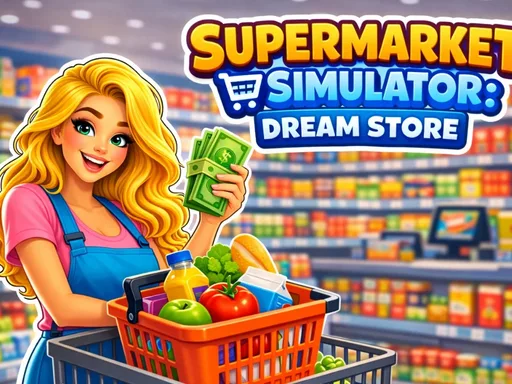
Supermarket Simulator: Dream Store is about building a retail business piece by piece. The official game page highlights shelves, displays, products, decoration, staff, pricing, discounts, and marketing, which gives the game more management detail than a basic idle counter. The fun comes from seeing the store become more complete. First you need places to sell products. Then you need staff who can keep the operation moving. Later, finances and promotions matter because a bigger store has more ways to earn and more ways to waste money. Players like this kind of supermarket game because it feels practical. A good store is not only bigger; it is stocked, staffed, priced, and easy for customers to use.
Supermarket Simulator: Dream Store gives the shop category real management texture with products, staff, pricing, and store layout. Watch how the first cycle works, notice where progress slows, and spend with a clear purpose.
How to play
How to play Supermarket Simulator: Dream Store
The opening minutes of Supermarket Simulator: Dream Store are about reading the business before rushing into expansion. Follow the first few earning cycles and keep your attention on the slowest part of the operation.
Place shelves and products to create the first working shop.
Serve customers, manage prices, and use income to improve the store.
Hire staff, open departments, and expand into a larger supermarket.
Key features
What makes Supermarket Simulator: Dream Store work
Shelf placement and product selection make the store feel built rather than simply unlocked.
Staff skills and motivation add a people-management layer to the shop loop.
Pricing, discounts, and promotions give the page more business decisions than a simple collect-and-upgrade game.
Strategy tips
Upgrade logic and smart growth
First minute tip: Place the first shelves and products in a simple layout, then keep customers served before spending heavily on decoration.
Build the first store layout for clarity. Customers should reach products easily before you worry about fancy decoration.
Hire staff when the store has enough sales to support them. Staff are strongest when they remove repeated work from a busy area.
Use discounts and marketing after the basics are ready. Attracting more customers only helps if the shelves and service can handle the traffic.
Stocked shelves are more important than decoration in the opening.
Staff should solve a real service problem, not just fill space.
Promotions work best after your store can handle more customers.
Controls
Controls and device notes
Use mouse or touch controls to place shelves, manage products, hire staff, adjust store systems, and expand departments.
Use fullscreen for longer sessions. If the embedded game does not respond on mobile, try desktop mode or another game from the same category.
Why play here
Why play Supermarket Simulator: Dream Store on TycoonsGame?
Supermarket Simulator: Dream Store is a strong shop-management page for TycoonsGame. It connects retail layout, staff, and finances, making it a good next pick after My Tiny Market or Grocery Shop.
FAQ
Supermarket Simulator: Dream Store questions
What do you manage in Supermarket Simulator: Dream Store?
You manage shelves, products, staff, store layout, prices, promotions, and expansion into new departments.
Is this game only about stocking shelves?
No. Stocking is important, but the game also includes staff management, pricing, discounts, marketing, and store growth.
What should a Dream Store run focus on first?
Start with a simple stocked layout and reliable customer service before spending on bigger departments or decoration.
Why do players like supermarket management games?
They combine visible store growth with practical decisions about products, service, and customer flow.
Does Dream Store fit tycoon players?
Yes. It is about building a small shop into a larger business through upgrades, staffing, and expansion.